Introduction:
Every lithium-ion battery begins aging the moment it leaves the factory, losing maximum capacity with every charge cycle. However, the speed at which your phone degrades—dropping from an all-day powerhouse to barely surviving until noon—depends heavily on daily behavior. If you want to extend your smartphone’s battery lifespan and delay an expensive battery replacement by years, you do not need complicated third-party apps; you simply need to stop the everyday habits that accelerate chemical wear https://fibozin.com.
Key Takeaways
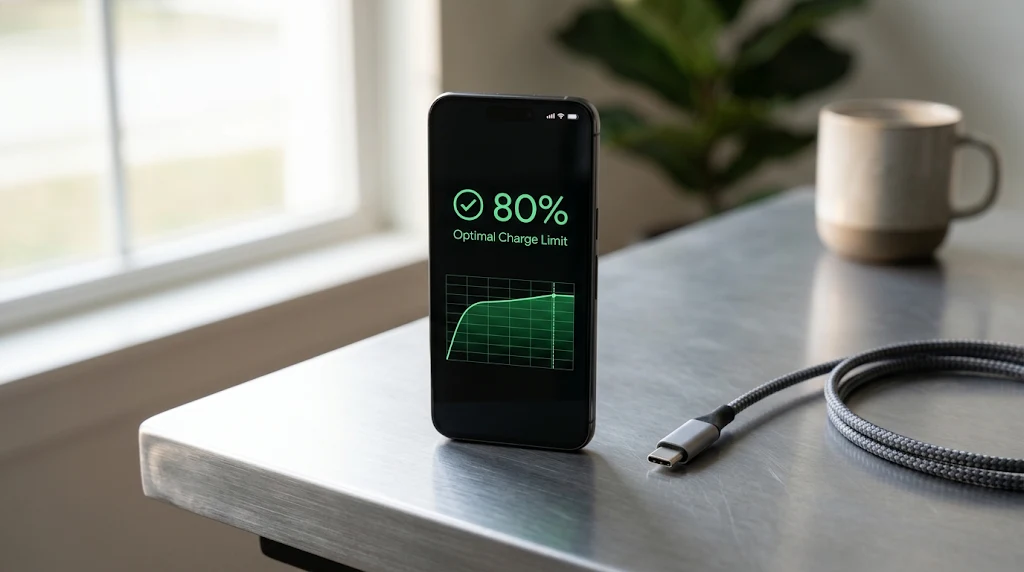
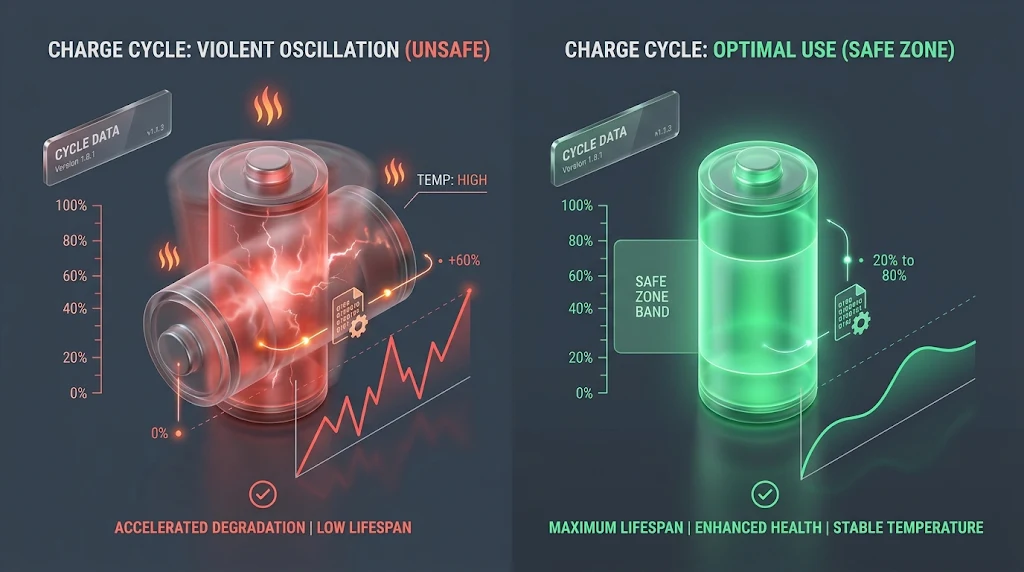
- Respect the 20–80% Sweet Spot: Lithium-ion cells suffer high voltage stress at 100% and increased internal resistance near 0%.
- Heat Is the #1 Enemy: High temperatures accelerate permanent electrolyte oxidation far faster than fast-charging wattage alone.
- Use Built-In Charge Limits: Enable iOS Optimized Battery Charging or Android Adaptive/Maximum Battery Protection to cap overnight voltage.
- Ditch Cheap Adapters: Uncertified chargers lack proper thermal regulation and voltage filtration, damaging power management ICs.
Why Smartphone Batteries Degrade Over Time
Modern smartphones rely on rechargeable lithium-ion (and newer silicon-carbon) cells rated to retain roughly 80% of their original capacity after 500 to 1,000 complete charge cycles. One charge cycle equals using 100% of your battery’s capacity, whether all at once or split across multiple partial top-ups.
Two primary factors dictate how quickly those cycles wear out the internal chemistry: extreme voltage states and excessive thermal stress. By adjusting how you power and store your device, you can dramatically slow down capacity loss and extend your smartphone’s battery lifespan well past the two-year mark.
[External Link: Explore Battery University’s research on prolonging lithium-based batteries]
8 Everyday Habits Ruining Your Battery Health
1. Consistently Charging to 100% and Leaving It Plugged In
While modern Battery Management Systems (BMS) prevent literal overcharging, holding a lithium-ion cell at 100% keeps it at peak voltage (above 4.10V per cell). Sitting at maximum voltage for hours—especially overnight—accelerates electrolyte oxidationhttps://fibozin.com .
- What to do instead: Unplug around 80% during the day, or enable your phone’s built-in charge cap (such as iPhone’s 80% Charge Limit or Samsung’s Maximum Battery Protection).
2. Letting Your Battery Drain Down to 0%
The old advice to fully drain batteries to “calibrate” them belonged to nickel-cadmium cells from decades ago. Repeatedly running a modern smartphone down to 0% causes deep-discharge stress, increases internal resistance, and can trigger protective lockout states.
- What to do instead: Plug your phone in once it hits 20% to 30%. Shallow, opportunistic top-ups are ideal for lithium-ion longevity.
[Image Placeholder 1]
3. Charging Your Phone Under a Pillow or on Soft Surfaces
Placing a charging smartphone on a bed, sofa, or under a pillow traps ambient heat generated during power conversion. Every 10°C rise above room temperature roughly doubles the rate of chemical degradation inside the cell.
- What to do instead: Always charge on hard, flat, well-ventilated surfaces like a wooden desk or nightstand.
4. Heavy Gaming or Video Editing While Fast Charging
Fast charging already pushes higher current into the battery, raising internal temperatures. Combining 45W–100W fast charging with heavy 3D gaming, 4K video rendering, or GPS navigation forces the processor and battery to generate simultaneous heat.
- What to do instead: Let your device cool down for five to ten minutes after intensive gaming before plugging it in, or use a lower-wattage charger if you must use the phone while plugged in.
5. Relying Exclusively on Wireless Charging Pads
Inductive wireless charging—even with newer magnetic alignment standards—is inherently less efficient than a wired USB-C connection, converting wasted energy directly into heat. Frequent wireless charging in warm rooms steadily erodes capacity.
- What to do instead: Reserve wireless pads for brief desk top-ups and rely on a certified wired charger for overnight or full-cycle charging.
[Image Placeholder 2]
6. Leaving Thick Cases On During High-Speed Charging
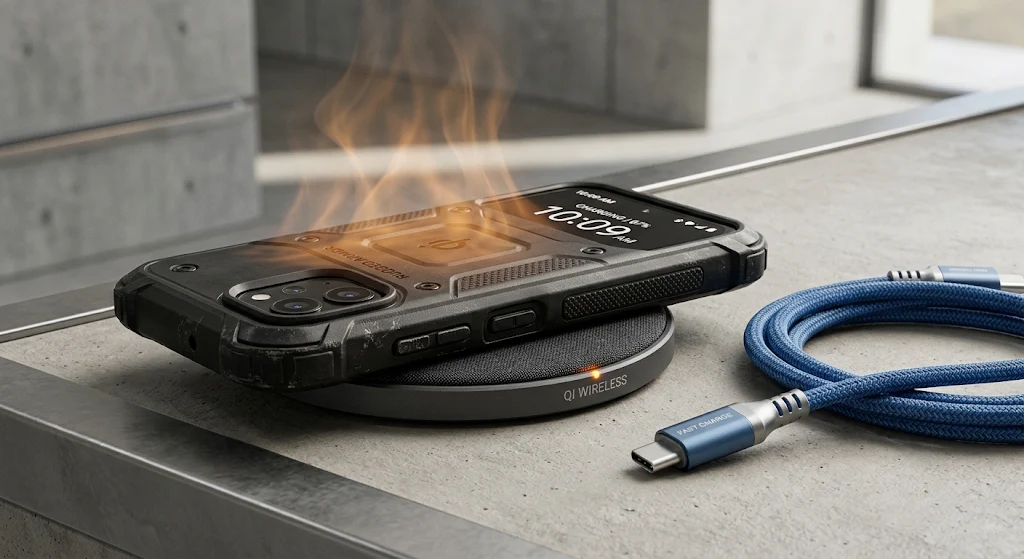
Rugged silicone, leather, or multi-layer protective cases act as thermal insulators. When your phone negotiates maximum fast-charging speeds, a heavy case prevents passive heat dissipation through the rear glass or metal frame.
- What to do instead: Pop off thick protective cases whenever you fast-charge or place your phone on a wireless charger https://www.atlassian.com.
7. Using Uncertified Third-Party Chargers and Car Adapters
Bargain gas-station cables and cheap 12V car adapters frequently lack proper voltage regulation and thermal handshake chips. Vehicle alternators produce electrical spikes that can stress your phone’s power management integrated circuit (PMIC) and cause erratic charging temperatures.
- What to do instead: Stick to original manufacturer (OEM) power bricks or certified USB-IF / MFi accessories from reputable brands.
[Internal Link: Read our buyer’s guide to the safest GaN USB-C chargers for modern devices]
8. Storing Spare Phones at 0% or 100%
If you keep an older smartphone as a backup device or put a phone away for weeks, leaving it completely dead can cause the voltage to drop below the minimum threshold required to ever accept a charge again. Leaving it at 100% causes rapid capacity loss.
- What to do instead: Charge or discharge any stored device to roughly 40%–50%, power it off completely, and store it in a cool, dry drawer.
Essential OS Settings to Automate Battery Protection
You do not need to manually watch a battery percentage icon all day to extend your smartphone’s battery lifespan. Configure these native software safeguards once and let your operating system handle the rest:
[Image Placeholder 3]
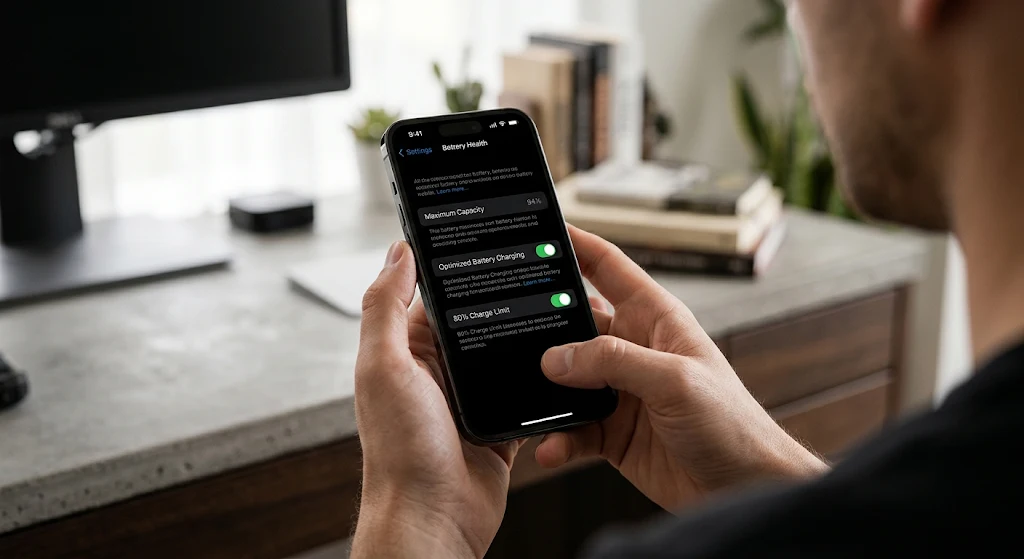
- iPhone (iOS): Open Settings > Battery > Charging (or Battery Health & Charging on older models). Enable Optimized Battery Charging or set the Charge Limit slider to 80%–85%.
- Samsung Galaxy (One UI): Go to Settings > Battery > Battery protection and select Adaptive or Maximum (which hard-caps charging at 80%).
- Google Pixel & Android: Navigate to Settings > Battery > Charging optimization and toggle on Use charging optimization (either Adaptive Charging or Limit to 80%).
- Display & Background Tweaks: Enable Dark Mode on OLED displays (turning off black pixels completely) and restrict background refresh for rarely used social apps to reduce daily charge frequency.
[Internal Link: Discover the top Android and iOS privacy and performance settings to optimize today]
Conclusion
Preserving battery capacity comes down to eliminating extremes: avoid 0% deep discharges, skip prolonged 100% voltage saturation, and keep your device cool while powering up. By dropping these eight habits and activating your phone’s built-in charge limits today, you can extend your smartphone’s battery lifespan by an extra year or more while maintaining peak processor performance.
Frequently Asked Questions (FAQs)
Does fast charging ruin a smartphone battery?
Fast charging itself does not inherently ruin a modern battery, because phones automatically taper wattage as the battery fills and throttle current if temperatures climb. However, because fast charging generates extra heat, using a standard 15W–20W charger for overnight or desk charging helps extend your smartphone’s battery lifespan over several years.
Is it bad to leave my phone charging overnight?
Leaving a phone plugged in overnight is safe from overcharging, as the internal Battery Management System stops current flow at 100%. Still, keeping the cell sitting at 100% voltage for hours causes gradual wear, which is why enabling Optimized or Adaptive Charging is strongly recommended.
What is the ideal percentage to keep a phone battery at?
Battery engineers recommend keeping daily lithium-ion charge levels between 20% and 80%. Operating within this window avoids both low-voltage internal resistance and high-voltage chemical stress, potentially doubling the total cycle life of the battery.
When should I replace my smartphone battery?
Most manufacturers consider a battery degraded once its maximum capacity drops below 80% of its original rating—usually after 500 to 1,000 full charge cycles. At that point, you will notice noticeably shorter screen-on time and occasional performance throttling during heavy tasks.
Leave a Reply