Introduction:
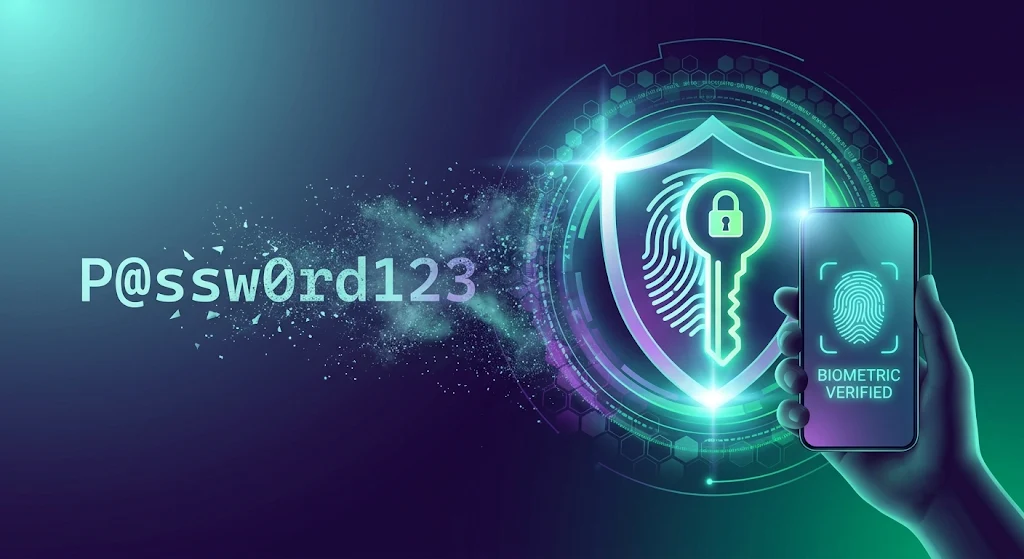
For decades, passwords have served as the fundamental gateway to our digital lives. However, traditional text-based credentials are now the weakest link in online cybersecurity. With billions of credentials leaked in data breaches every year, reliance on complex strings of characters, special symbols, and periodic resets has become both an operational headache and a massive security vulnerability https://fibozin.com.
The industry is undergoing a major paradigm shift toward public-key cryptography. Utilizing passkeys and biometrics, modern authentication mechanisms eliminate the vulnerabilities inherent in shared secrets. By combining hardware-level cryptographic key pairs with touch and facial recognition, tech leaders are building an ecosystem where logging into your accounts is not only immune to standard phishing attacks but also effortless.
Key Takeaways
- Phishing Resistance by Design: Passkeys use FIDO2 and WebAuthn standards, binding credentials directly to a specific website domain so users cannot be tricked into logging in on fraudulent sites.
- Biometric Frictionless Login: Touch ID, Face ID, and Windows Hello allow instantaneous authentication without remembering or typing complex character strings.
- Zero Shared Secrets: Unlike passwords stored in central databases that hackers can breach, passkey private keys never leave your physical device.
- Cross-Device Ecosystem Support: Major platforms (Apple, Google, Microsoft) automatically back up and end-to-end encrypt passkeys across personal cloud accounts for seamless recovery.
1. Why Traditional Passwords Are Past Their Expiration Date
The reliance on traditional passwords created a fundamental paradox: humans are notoriously poor at creating and remembering strong, unique strings for dozens of accounts.
The Vulnerability of Shared Secrets
When you log in with a password, both you and the server share a secret. If a company’s database is compromised or improperly hashed, hackers gain access to thousands of user credentials. credential stuffing attacks exploit the fact that many users reuse passwords across multiple personal and work services https://fibozin.com.
Phishing, Keyloggers, and Social Engineering
Even the most complex 20-character password can be stolen in seconds through targeted phishing emails, rogue browser extensions, or keyloggers. Standard two-factor authentication (2FA) via SMS codes offers temporary relief, but it remains susceptible to SIM swapping and adversary-in-the-middle (AiTM) proxy kits.
[Image Placeholder 1]
2. Understanding Passkeys and Biometrics
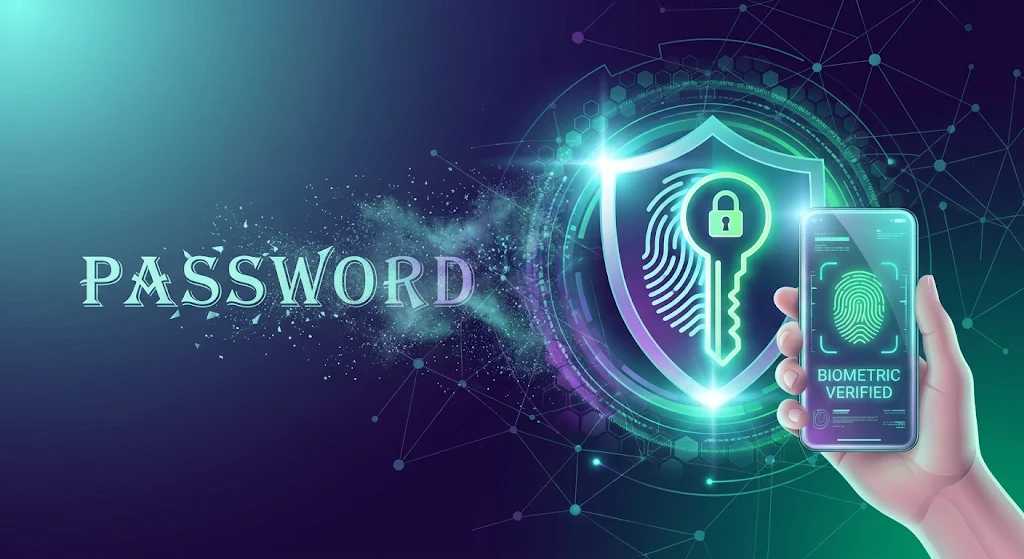
The combination of passkeys and biometrics completely redefines how users prove their identity to a digital system.
How Passkey Cryptography Works
Passkeys are built on open standards developed by the FIDO Alliance and the World Wide Web Consortium (W3C). Instead of sending a password across the web, your device creates a unique cryptographic key pair for every service:
- Public Key: Stored on the website’s web server. It is useless to hackers on its own.
- Private Key: Stored securely inside your device’s isolated hardware enclosure (such as Apple’s Secure Enclave or Android’s Trusted Execution Environment).
During a sign-in request, the website sends a cryptographic challenge. Your device solves this challenge using its private key and sends back a mathematical proof—never revealing the key itself https://www.atlassian.com.
The Role of Biometric Verification
Before your local device agrees to sign the challenge using its private key, it requires local verification. Touch ID, Face ID, or Windows Hello acts as the local trigger. Your biometric data never gets sent over the internet or shared with the website; it simply serves as the physical key that unlocks the cryptographic operation on your device.
[Image Placeholder 2]
3. Benefits of Transitioning to a Passwordless Future
Switching to biometric passkey systems delivers tangible benefits for everyday users and enterprise security infrastructure alike.
- Complete Phishing Immunity: Because passkeys are cryptographically bound to the verified domain name of a website, an authentic passkey prompt will simply fail to trigger on a counterfeit phishing site.
- Elimination of Password Reset Fatigue: Users no longer need to remember passwords, deal with expired credentials, or repeatedly trigger reset links.
- Faster Authentication Speeds: Logging in via biometrics reduces sign-in time from tens of seconds down to a single touch or glance.
[Internal Link: Insert relevant internal URL here with anchor text]
4. Addressing Common Concerns: Loss, Recovery, and Compatibility
As adoption grows, moving away from master passwords brings valid questions regarding backup processes and cross-platform compatibility.
What Happens If You Lose Your Device?
Passkeys are synchronized through end-to-end encrypted cloud storage services (such as iCloud Keychain, Google Password Manager, or 1Password). If you lose your phone or laptop, your passkeys automatically restore onto your new hardware once you sign into your cloud account.
[External Link: Insert high-authority external URL here with anchor text]
Cross-Platform Usage via QR Codes
You don’t need all your devices to share the same operating system. If you want to sign in to a website on a Windows desktop using an iPhone, the browser displays a secure QR code. Scanning it via your mobile phone establishes a proximity check via Bluetooth and completes the biometric verification seamlessly.
[Image Placeholder 3]
Embracing a Safer Digital Identity
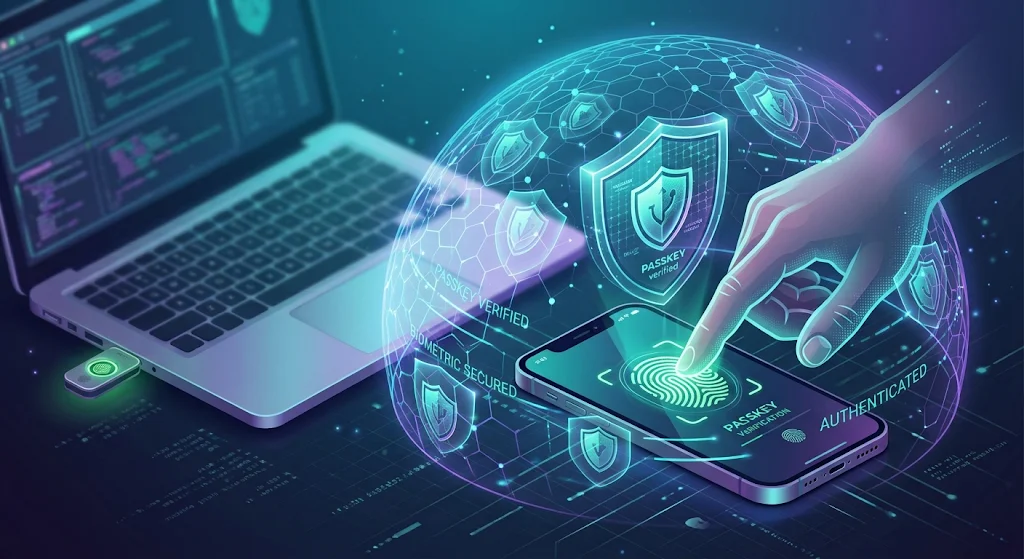
Adopting passkeys and biometrics represents one of the most impactful security updates in consumer computing history. By removing human error and vulnerable shared secrets from the authentication process, tech platforms are effectively closing the door on most remote cyber threats. Transitioning your primary accounts to passkeys today protects your digital footprint while ensuring a faster, frictionless online experience.
Frequently Asked Questions
What are passkeys and biometrics?
Passkeys and biometrics work together as a passwordless authentication standard. Passkeys rely on public-key cryptography stored on your device, while biometrics (like fingerprints or facial scans) confirm your identity locally before unlocking those keys.
Can a website steal my fingerprint when I use a passkey?
No. Your biometric data never leaves your device’s secure hardware chip. The website only receives a verified mathematical signature confirming that the local biometric check succeeded.
Can passkeys be hacked through data breaches?
Even if a company’s server is breached, attackers only steal public keys. Without access to the private key stored securely inside your personal device, stolen public keys are useless to hackers.
Leave a Reply